

26 December, 2025
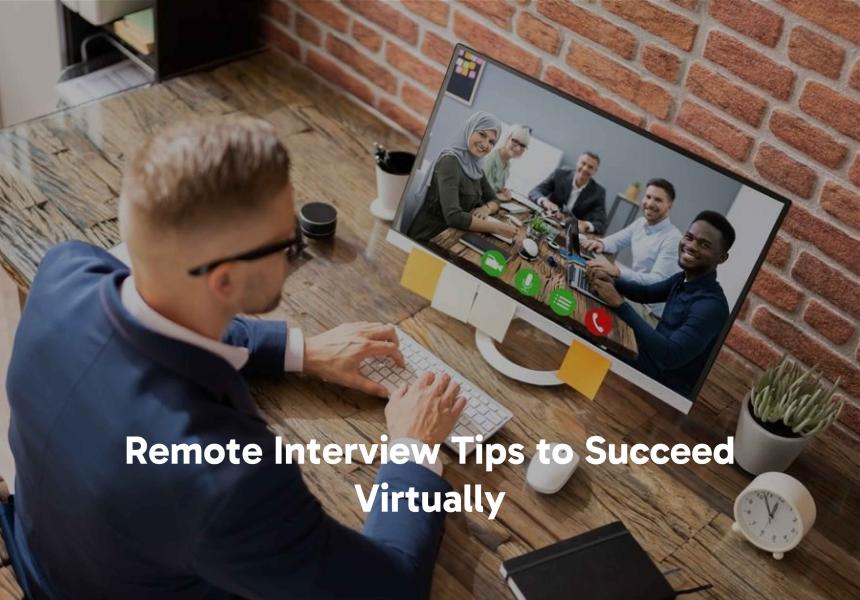
Remote Interview Tips to Succeed Virtually
Let’s be honest. A remote interview feels weird.You’re sitting in your own home, maybe in your nice top, and, well, let’s not talk about what’s below the camera frame. You’re talking to a face on a screen, hoping your internet holds up. It’s not like a regular interview. The rules are different.
But here’s the thing. This is your moment. Companies are hiring from everywhere. That remote job opportunity you want is within reach. You just need to master this new way of meeting.
This isn’t about fancy tricks. It’s about connecting through a camera. Let’s talk about how.
Your Space is Now Your Interview Room
First, forget the “professional office” idea. Your stage is your home. You need to control it.
Find a quiet spot. A plain wall is perfect. A tidy bookshelf works too. Check what’s behind you. Is your laundry pile in the shot? Move it.
Lighting is everything. Your face needs to be clear. Sit facing a window. Or get a cheap lamp and point it at your wall in front of you. You will only appear as a black silhouette if you sit with a bright window behind you.
Make a test call with a friend. See how you look. Hear how you sound. Is your cat going to jump on the keyboard? Maybe shut the door.
This isn’t just about looking good. It’s about removing distractions. You want them to focus on your words, not the weird painting behind you.
The Tech That Can Make or Break a Remote Interview
We’ve all seen it. The frozen face. The “can you hear me?” panic.
Don’t let that be you. Tech checks are not optional. They are the most important step.
1. Download the software they’ll use, Zoom, Teams, or Google Meet, before the interview. Create an account. Use a professional username. Not “Sk8rBoii99.”
2. Close every other program on your computer. Especially the ones that suck up the internet. No streaming. There are no large backdrop downloads.
3. Make use of microphone-equipped headphones. The audio is always better. It cuts out echo. You’ll sound crisp and clear.
4. And for the love of all that is good, charge your laptop. Plug it in if you can. The low battery warning popping up mid-interview is a nightmare you don’t need.
How to Show Presence in a Video Interview
This is the big one. The video interview challenge. How do you show you’re engaged?
Look at the camera. Not on the screen. I know it’s strange. Their faces are what you want to see. However, they interpret looking into the camera and making eye contact. Moreover, as a reminder, place a sticky note with a smiley face into your camera.
You should feel a bit more energized. Nod a little more. Smile. On a screen, small reactions get lost. Show you’re listening with your face.
Speak clearly. Slightly slower than normal. There can be a tiny delay. Let your words land.
And please, don’t multitask. It’s so obvious. Your eyes shift to another screen. You lose your train of thought. They can tell. Be 100% in that call.
Answering Interview Questions Remotely
The questions might be standard. “Tell me about yourself.” “Why this role?” But your delivery is different.
Pause before you answer. A two-second pause is fine. It shows you’re thinking, and it helps with any audio lag.
Structure your answers simply. Keep it conversational while using the STAR approach.
1. Situation: What was happening?
2. Task: What were you required to do?
3. Action (What did you actually do?)
4. Result (How did it turn out?)
It keeps you from rambling. And in a virtual hiring process, clear communication is gold.
Have a few notes taped to the side of your screen. Key points you want to mention. Questions to ask them. But don’t read from a script. It sounds robotic. Glance at your notes, then look back at the camera and speak.
The Questions You Ask Are Everything
"Do you have any questions for us?" will be their final inquiry.
You must respond "yes." You have the chance to decide if they are a suitable fit for you.
Ask about remote culture.
1. “How does the team stay connected day-to-day?”
2. “What does a successful work-from-home employee look like here?”
3. “Are there opportunities for virtual coffee chats or team meetings?”
Their answers tell you everything. Do they have a plan for remote workers? Or are people just left on their own?
One Last Thing Many Candidates Forget
The interview ends. You log off.
You still need to do some work. Send a thank-you email. Name one particular topic you discussed. “I really enjoyed our conversation about the new project you mentioned.” It shows you were listening.
Then, you wait. Maybe you apply for more work-from-home jobs on remote job sites. Maybe you browse freelancing platforms if you’re thinking of a freelance career.
But you know you did your best. You were prepared. You were present. Even through a screen.
That’s the real secret. A remote interview isn’t about being perfect. It’s about being prepared, professional, Check out our guides on how to become a freelancer or the best freelance jobs for beginners.
And before you even get to the interview, make sure your application becomes perfect. Use an ATS checker on your resume. Look at resume examples and cover letter examples to get yours just right. Whether it’s digital nomad jobs, hybrid job opportunities, or full-time remote work, it all starts with a great first impression.
Conclusion
Being yourself and feeling prepared are ultimately key to a good remote interview. You're a fantastic candidate, not simply a face on a screen. You'll find that distant work opportunity much closer than you think if you use these methods to effectively communicate your story. Go buy it now.
Frequently Asked Questions (FAQ’s)
How early should I join the video call?
Join exactly 2-3 minutes early—not so early it's awkward, but never late.
What should I absolutely wear?
Wear a professional top, but choose comfortable pants—you'll feel more at ease.
Where should I look during the call?
Look directly at your webcam, not their face on the screen, to simulate eye contact.
Is it okay to have notes?
Yes, stick a few bullet points next to your camera for quick glances; don't read a script.
What if my internet fails?
Immediately send a polite text or email to the interviewer explaining the tech issue.
Related Posts






27 Jan, 2026

